How to use Claude Code to analyze your finances
Claude Code is useful for financial analysis when it can build on clean, current data. The better setup is a read-only Tablewealth data layer instead of pasted CSVs and one-off exports.

Dan Faber
June 15, 2026·7 min read·AI Finance
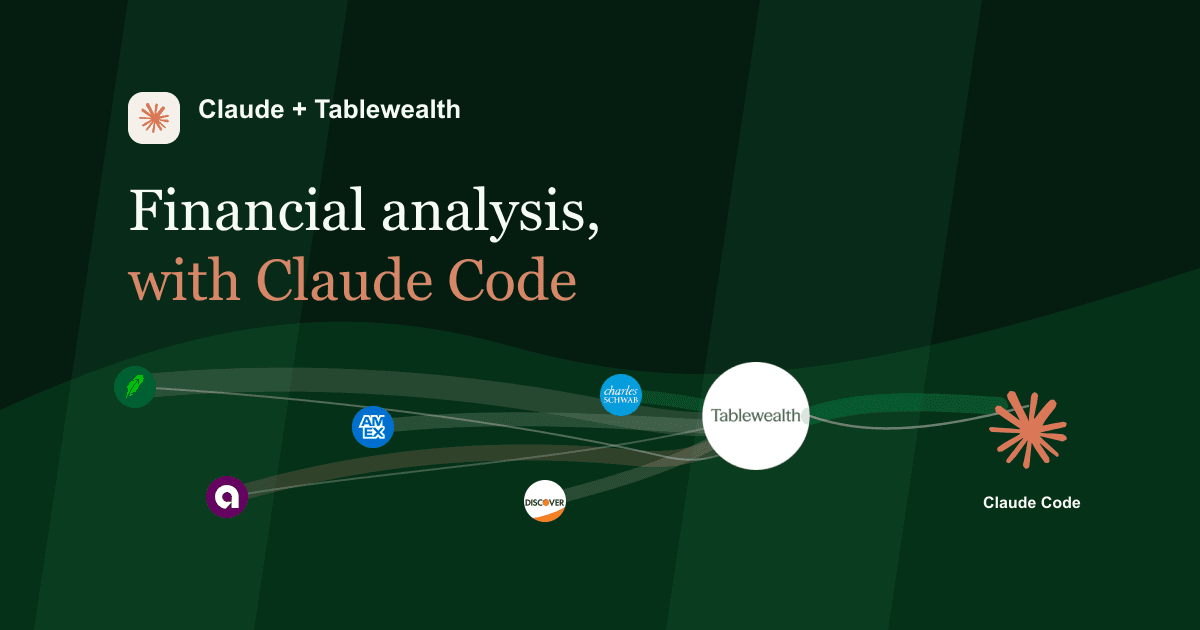
Claude Code is most useful for personal finance when you treat it as a builder, not just a chatbot.
A chatbot can answer a question. Claude Code can help you create the thing you wish your finance app already had: a weekly review, a cash-flow monitor, a portfolio concentration report, a planning memo, or a small dashboard shaped around the way you actually think.
The hard part is not the model. The hard part is the data path. If Claude Code is going to help with your finances, it needs current financial records without turning your money life into a pile of pasted CSVs.
The problem with pasted exports
The fastest way to use Claude with your finances is also the weakest: download a CSV from your bank or brokerage and paste it into chat.
That can work for a one-off question. It breaks down quickly if you want a repeatable workflow.
- The data is stale the moment you export it.
- Every export has a slightly different shape.
- You have to decide which columns are safe to share each time.
- There is no clean permission model. You either paste the file or you do not.
- Anything Claude Code builds depends on a fragile local file instead of a live data layer.
That is not a foundation for serious financial analysis. It is a workaround.
Use Tablewealth as the data layer
Tablewealth gives Claude Code a cleaner starting point.
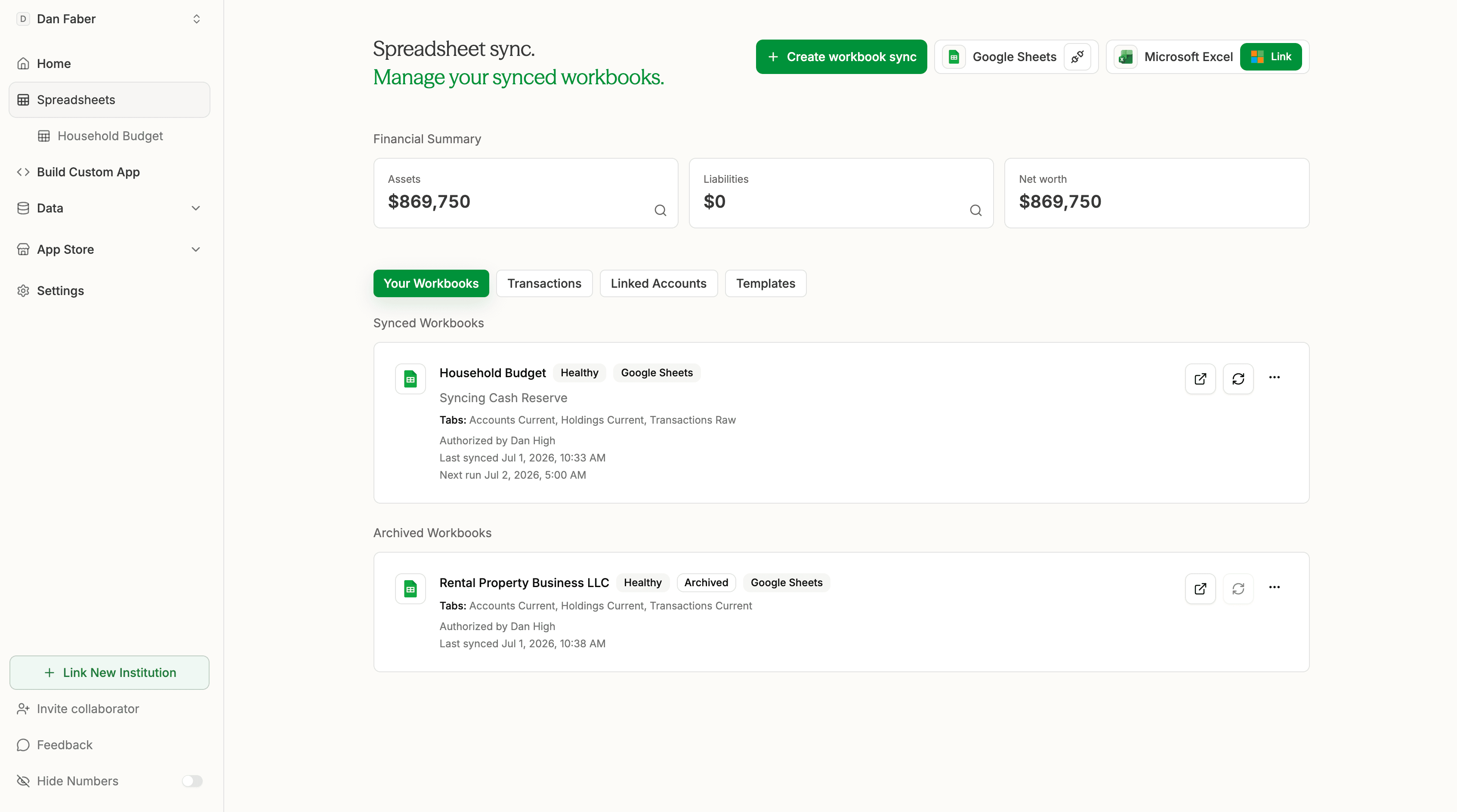
You connect accounts, imports, spreadsheets, and manual records to Tablewealth once. Then Claude Code can work against a controlled financial data layer through read-only tools instead of asking you to keep exporting files.
In practice, Claude Code can ask Tablewealth for bounded records:
- list accessible accounts
- get current balances
- list holdings
- summarize net worth
- summarize cash flow
- summarize spending by category
- search transactions
- summarize allocation and concentration
- check data freshness
Those tools retrieve data. They do not move money, place trades, edit accounts, or become a permanent chat attachment.
"Claude Code should build on your financial data layer. It should not become your financial data layer."
What you can ask and build
The interesting part is not just asking Claude Code a question. It is asking it to turn the answer into something reusable.
That is where Claude Code is different from a normal finance dashboard. You are not limited to the screens a product team decided to ship. You can build the analysis surface around the question in front of you.
Why Claude Code is a good fit
Most finance apps are optimized for common workflows. That is useful until your question becomes specific.
Maybe you want to compare cash flow before and after a job change. Maybe you want to find spending categories that explain why your balance feels tighter than your income suggests. Maybe you want to inspect portfolio concentration across accounts that normally live in separate places.
Claude Code is good at that middle ground: not generic enough for a static dashboard, not formal enough to require a full software project.
With Tablewealth as the data layer, Claude Code can help create:
- local dashboards
- spreadsheet-ready reports
- weekly review memos
- cash-flow monitors
- portfolio concentration views
- transaction search tools
- planning checklists
- one-off analysis apps you can throw away when the question is answered
The result is closer to a personal finance workbench than another canned finance assistant.
Why read-only matters
Claude Code can be powerful precisely because it can generate files, scripts, apps, and workflows. That makes the permission boundary more important, not less.
A good financial AI setup should be able to read the records needed for analysis without gaining the ability to alter the records themselves.
That means:
- read-only access by default
- clear tool names
- bounded responses
- account scoping when possible
- no trades
- no transfers
- no bill payments
- revocation in settings
Keep analysis separate from advice
There is a difference between "summarize my finances" and "tell me what to do with my money."
The first is analysis. The second can become advice.
A good Claude Code workflow keeps that boundary visible. Use it to organize data, surface tradeoffs, identify missing information, and prepare questions. Do not treat the model as a fiduciary, tax advisor, or broker.
The first creates a useful artifact. The second asks the model to make a financial decision it should not be making for you.
A useful Claude Code workflow
Once Tablewealth is connected, a weekly review can become a repeatable workflow instead of a fresh chat every time.
- Pull current balances, recent transactions, holdings, and data freshness.
- Compare the last seven days with the prior 90-day baseline.
- Summarize unusual spending, large account moves, and stale connections.
- Create a short markdown memo.
- Update a local dashboard or spreadsheet view.
- List follow-up questions for the next planning session.
That turns Claude Code into a financial analysis assistant with a memory of the workflow, not permanent ownership of the data.
The bottom line
Claude Code can make personal finance analysis more flexible, but only if the data layer is built around control.
The goal is not to paste your financial life into chat. The goal is to let Claude Code build useful analysis surfaces from specific records, through a read-only connector you can review and revoke.
That is the Tablewealth model: your data stays in the financial layer, Claude Code helps build the analysis layer, and access stays narrow enough to trust.
Connect your accounts once, then use Claude Code to build the financial workflow you actually want. Create a Tablewealth account to start with a controlled data layer.