


Traditional AI finance tools
Your financial data is fed into AI and used to train their models.
Financial accounts
Connect to ChatGPT
Interface builder AI
Their training data
Connect your accounts once. Use them in a live spreadsheet, a custom dashboard, or your own code.

We never see or store your bank credentials. Connections are encrypted in transit and at rest.
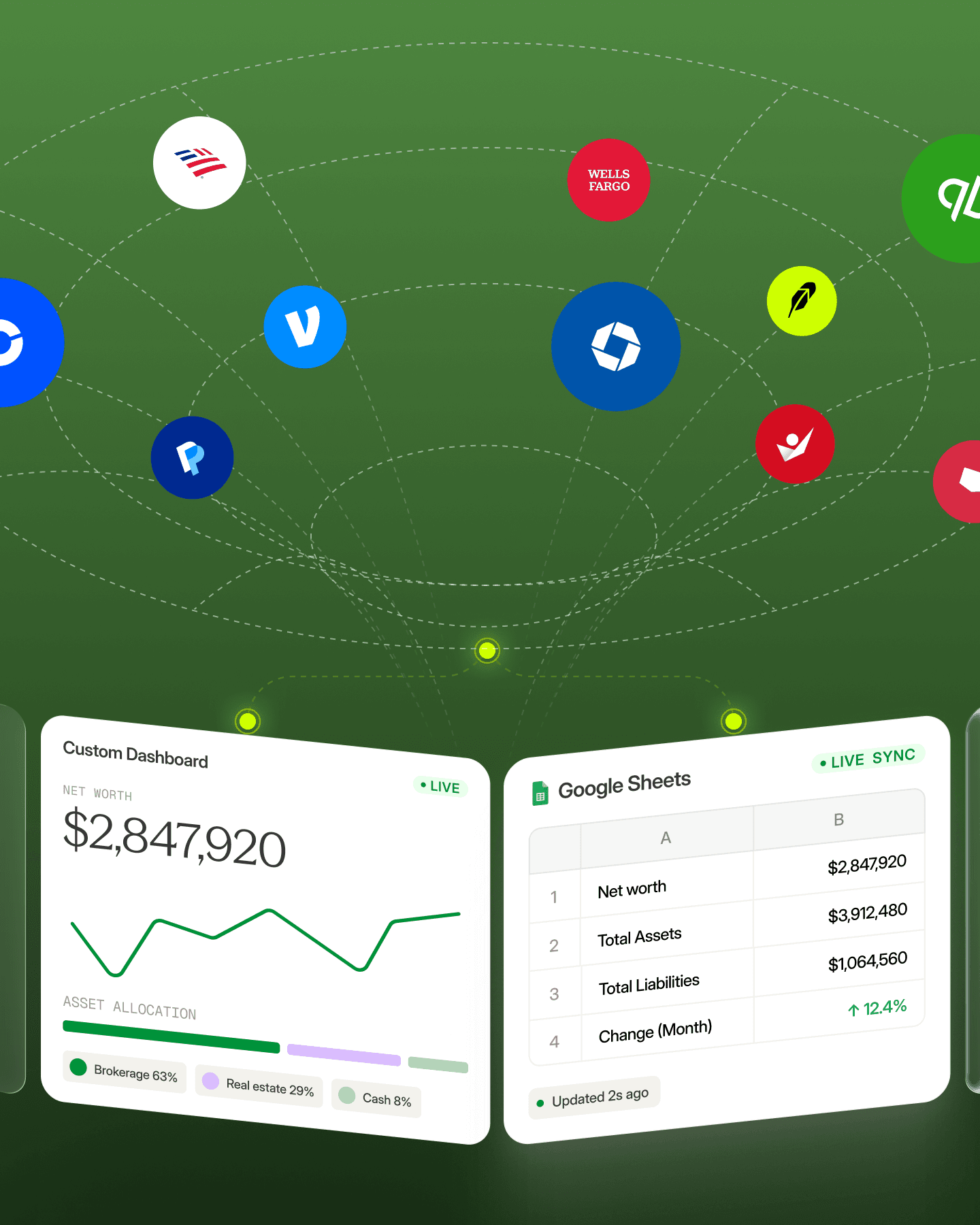
Unlike other tools that lock you into a single web dashboard we can give you freedom to work where you want, whether that is an automatically sync'd spreadsheet, a custom dashboard, or an app you built.
Mode 01 - Tablewealth's App
Track your net worth, investments, and multi-asset portfolio inside Tablewealth's customizable interface. Chat with Tablewealth to generate dashboards tailored to your workflow.
Connect accounts once and use your financial data across dashboards, spreadsheets, and custom-built tools.
Automatically connect banks, brokerages including Fidelity, and alternative assets into a unified financial data layer.
Features
Unlike connecting your bank accounts directly to an AI company, Tablewealth keeps its secure data layer separate from AI-powered interface generation by default, so building dashboards does not require sending your financial data to AI. Tablewealth also adds MCP access for Claude, ChatGPT, and other compatible assistants, plus app-building workflows for Codex, Claude Code, and Cursor.
Your financial data is fed into AI and used to train their models.
Interface AI starts from preferences, not account records
| Capabilities | Tablewealth | Monarch | Kubera | ChatGPT |
|---|---|---|---|---|
| Live spreadsheet sync with investment accounts | - | - | - | |
| Custom dashboard builder | - | - | ||
| Developer API | - | - | - | |
| MCP support for Claude, ChatGPT, and other assistants | - | - | - | |
| Build apps with Codex, Claude Code, and Cursor | - | - | - | |
| AI access is off by default | - | - | - | |
| Not locked to one interface | - | - | - | |
| Share with Family & Service Providers | - | - | - | |
| Multi-asset class support | - | |||
| Manual assets | - | |||
| Supported connected institutions | 14k+ | 13k+ | 15k+ | 12k+ |
| Fidelity support | - | |||
| Starting Price | $99/yr | $99/yr | $249/yr | $2,400/yr |
Choose a short pass to explore, a sync plan for always-current spreadsheets and dashboards, or higher limits when you want API keys, webhooks, and advanced workflows.
Try Sync for 14 days, then continue monthly or yearly.
Keep your financial workspace current automatically.
Build your own system on top of your financial data.
* API records are transactions and holdings returned through your API keys. Synced data is deduped first, so only new records count against your credits.
Existing finance tools lock users into their user interface with no customization. Tablewealth gives you control.

Traditional finance apps lock you into their way of viewing and organizing your financial data.
No option to export a live, synced spreadsheet that includes investment accounts.
Spreadsheets give you control, but keeping balances, holdings, and categorization takes constant work.
Other providers lack APIs or make it hard to integrate with other tools, like Codex and Claude Code.
Tablewealth connects your financial accounts and lets you view everything in one place - either inside a custom dashboard or automatically synced to a live spreadsheet that stays up to date in real time.
You can connect bank, brokerage, credit card, loan, and investment accounts through supported financial data sources. Manual and imported accounts are also supported.
Tablewealth keeps your selected balances, holdings, transactions, and rollups refreshed in a spreadsheet so your existing formulas and views stay current. Tablewealth supports Google Sheets sync.
Tablewealth is built around authenticated access, organization scoping, and secure provider connections so sensitive financial data stays protected. We use encryption so that all financial data is encrypted in storage and transit. We use Plaid to sync account data information and we do not store your account credentials.
Yes. You can use the dashboard, spreadsheet sync, or both depending on how you like to review and model your finances.
No. The core setup is designed to be guided, with technical flexibility available when you want to customize your workflow further.
Explore is normally $5 for 14 days, and is free for 14 days. You can connect accounts and try the workspace during the trial. Sync and Build are available as monthly or yearly subscriptions when you want ongoing access.