One investment picture
Connect public market accounts while keeping imported and manual investments in the same workspace.
Solution
Track investments, holdings, allocation, cash positions, investment performance, fee drag, private assets, and portfolio workflows in one financial workspace.
Built for Investors who need portfolio visibility across brokerage accounts, cash positions, manual holdings, private assets, and long-term planning tools.
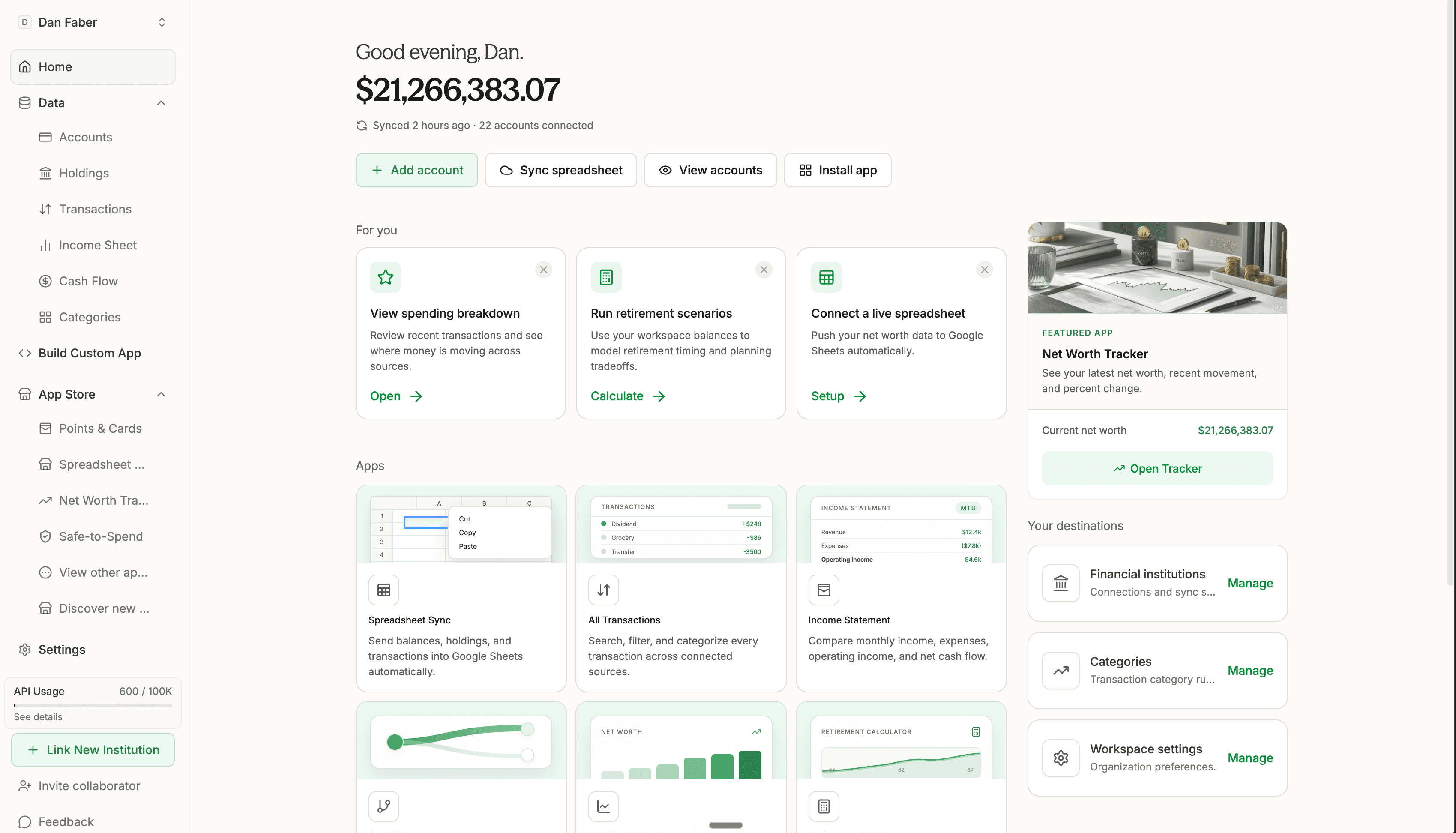
Connect public market accounts while keeping imported and manual investments in the same workspace.
Investment accounts often include cash or cash-equivalent holdings that should be considered before allocation and liquidity reviews.
Use spreadsheets, APIs, and custom apps for concentration, allocation drift, investment policy, and advisor-review workflows.
How it works
Bring in account balances, holdings, cash-equivalent positions, and provider details where supported.
Track private investments, AngelList exports, real estate, manual positions, and other assets that do not sync automatically.
Use dashboards, spreadsheets, app-store tools, and custom apps to understand allocation, concentration, cash, fees, and planning impact.
What you can do
See how accounts, holdings, cash, and manual positions fit together across the household portfolio.
Keep private assets and imported investment records close to public brokerage accounts and net worth.
Build custom dashboards or spreadsheets for allocation drift, concentration, policy review, and planning conversations.
Try Tablewealth
Connect your accounts once, then use the same financial workspace in the native app, live spreadsheets, installed apps, APIs, or AI-assisted tools.
Related workflows
FAQ
Yes. Connected investment accounts can bring in balances, holdings, source details, and sometimes transactions when supported by the provider.
Yes. Manual holdings and imported investments can support net worth, allocation, and reporting workflows alongside connected brokerage accounts.
Yes. Tablewealth includes a public investment fee drag calculator, and connected workflows can help review holdings and portfolio context.