Budgeting is only one workflow
Some people need strict budgets. Others need a reliable monthly review, category sanity check, and cash-flow explanation.
Solution
Use Tablewealth to review cash flow, spending categories, transactions, transfers, data hygiene, and monthly financial changes without forcing your life into one budgeting app.
Built for People who want a clearer monthly review of spending, income, transfers, unusual transactions, and category changes.
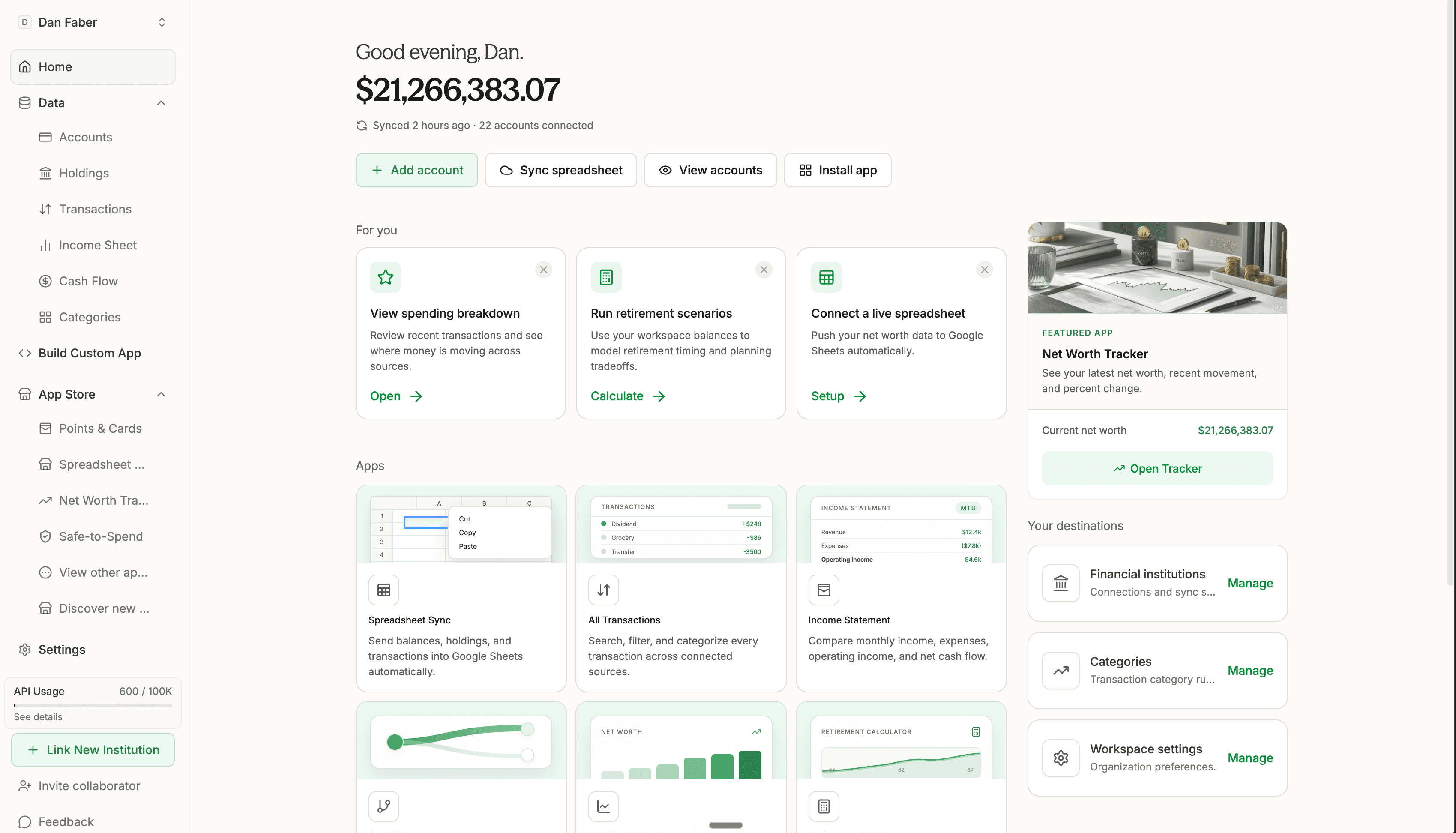
Some people need strict budgets. Others need a reliable monthly review, category sanity check, and cash-flow explanation.
Internal movement between accounts needs different treatment from real income and real spending.
Review in the native app, sync a spreadsheet, build a custom dashboard, or ask an AI assistant for a read-only summary.
How it works
Bring in bank, credit, card, loan, and imported records that explain spending, income, and cash movement.
Use app-side categories, rules, transfer settings, ignored transactions, and spreadsheet rules to keep reports honest.
Use dashboards, spreadsheets, custom apps, or AI summaries to compare periods and surface unusual activity.
What you can do
See which categories changed, which transactions look unusual, and whether transfers are treated correctly.
Sync transaction data into a workbook where you control categories, formulas, views, and planning periods.
Ask for a read-only cash-flow memo using approved accounts, transactions, categories, and data freshness.
Try Tablewealth
Connect your accounts once, then use the same financial workspace in the native app, live spreadsheets, installed apps, APIs, or AI-assisted tools.
Related workflows
FAQ
Yes. Tablewealth supports spending summaries and transaction categorization workflows that can be reviewed in the app, spreadsheets, APIs, or AI workflows.
Transfers can be marked separately so a credit card payment, savings transfer, or brokerage cash movement does not distort income and spending.
Yes. MCP and AI workflows can summarize cash flow, unusual transactions, spending changes, and data freshness from approved read-only workspace context.