One place for the whole balance sheet
Bring together bank accounts, brokerage accounts, loans, manual assets, real estate, and imported investments.
Feature
Use Tablewealth as a native finance workspace for day-to-day review, high-level dashboards, connected accounts, holdings, transactions, and financial trends.
Built for People who want a polished home base for accounts, balances, holdings, transactions, dashboards, and reports.
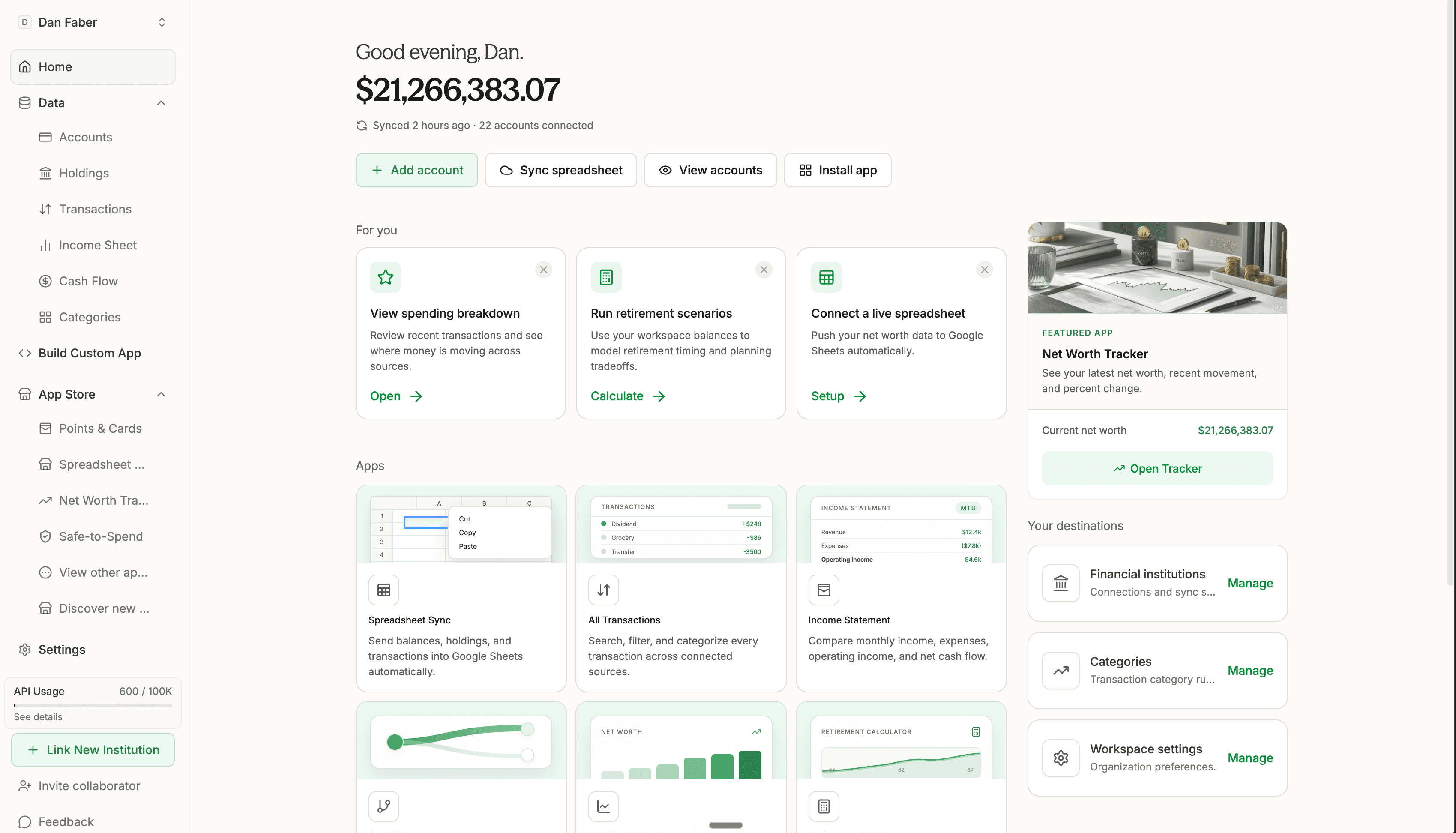
Bring together bank accounts, brokerage accounts, loans, manual assets, real estate, and imported investments.
Use dashboards and reports for recurring account checks, data hygiene, cash-flow review, and investment visibility.
The native app is the home base, but the same data can feed spreadsheets, APIs, AI workflows, and custom tools.
How it works
Create an organization, connect accounts, import records, and add manual assets or liabilities that matter to your financial picture.
Use the native app to scan net worth, assets, debts, cash, account freshness, and the workflows that need attention.
Launch focused tools, sync spreadsheets, build custom apps, or prepare reports from the same financial foundation.
What you can do
Check account freshness, spending summaries, debt, holdings, and net worth before you trust the period.
Use one workspace for connected accounts, manual records, reports, spreadsheet destinations, and planning apps.
Move from the dashboard into spreadsheets, app-store tools, custom apps, or AI-assisted review when the question gets more specific.
Try Tablewealth
Connect your accounts once, then use the same financial workspace in the native app, live spreadsheets, installed apps, APIs, or AI-assisted tools.
Related workflows
FAQ
The app shows connected accounts, balances, assets, debts, holdings, transactions, dashboards, reports, spreadsheet syncs, apps, and workspace settings.
Yes. The native app and spreadsheet sync share the same workspace data, so you can review in the app and model in spreadsheets.
No. It supports a broader workspace across net worth, investments, cash flow, holdings, private assets, spreadsheets, apps, and AI workflows.