Focused tools, shared data
A retirement planner, fee drag tool, or net worth view should not each require a separate financial setup.
Feature
Install focused finance apps for retirement, net worth, fee drag, payoff planning, tax estimates, and custom analysis without leaving your financial workspace.
Built for People who want focused calculators, planning tools, and financial apps that can run on top of connected Tablewealth data.
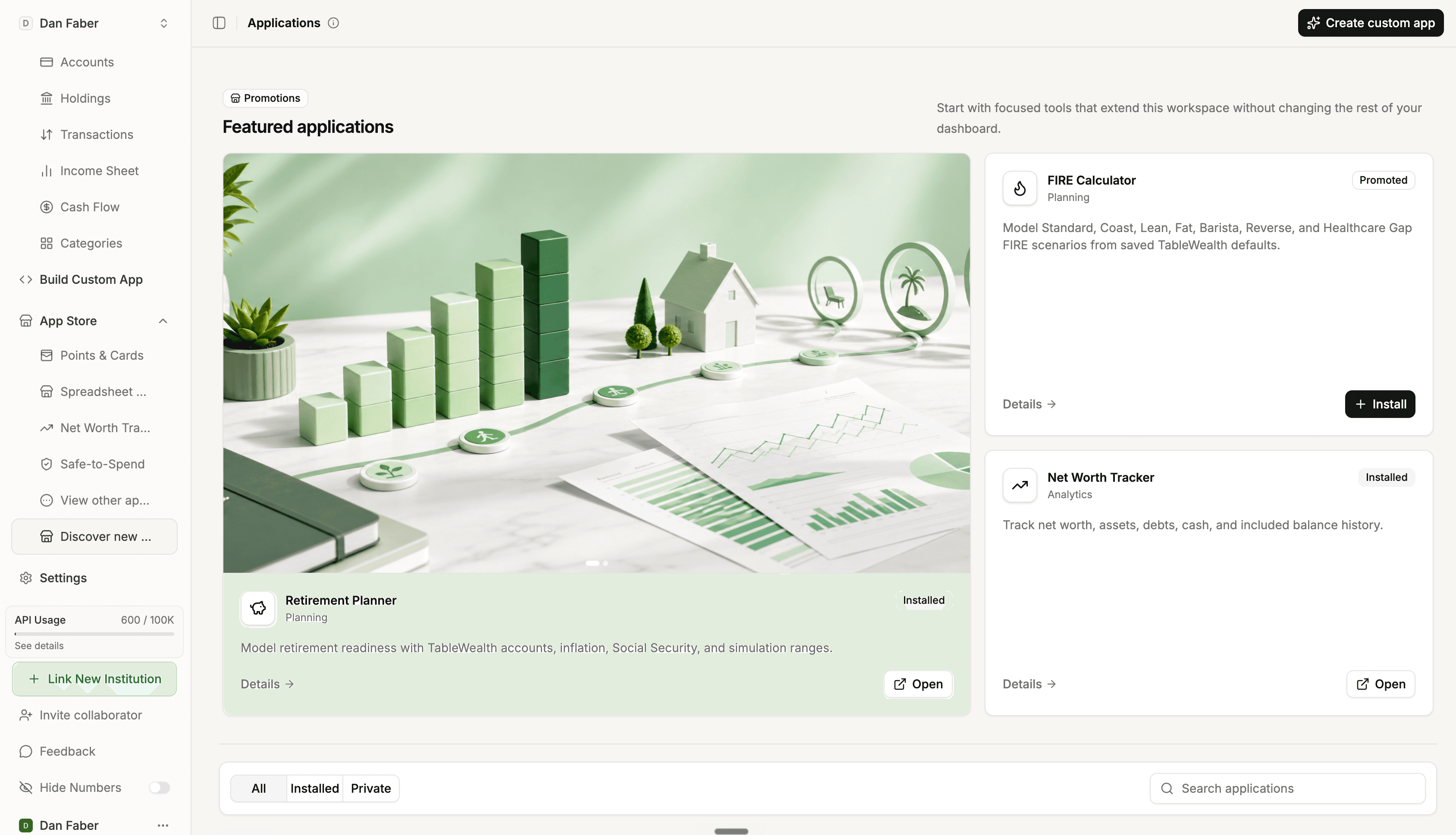
A retirement planner, fee drag tool, or net worth view should not each require a separate financial setup.
Install the workflow you need now and add more when your financial life gets more complex.
When a standard app is not enough, use the app builder to create a private interface for your own question.
How it works
Start with a planning, calculator, reporting, or analysis app that matches the task you are trying to complete.
When signed in, apps can work from the same accounts, balances, holdings, and assumptions you already maintain.
Use free public calculators for quick education, then bring the workflow into your workspace when you need better context.
What you can do
Move from quick retirement estimates to a connected planning workflow with real balances and household assumptions.
Use focused apps to evaluate investment fees, loan payoff paths, debt strategies, and tax estimates.
Create a cash-flow dashboard, advisor review, portfolio screen, or transaction explorer tailored to your workflow.
Try Tablewealth
Connect your accounts once, then use the same financial workspace in the native app, live spreadsheets, installed apps, APIs, or AI-assisted tools.
FAQ
The app store is a place to launch focused financial tools that use the same workspace data instead of asking you to rebuild inputs for every workflow.
Public calculators are useful without signing in. App-store tools can build on connected accounts, holdings, balances, and workspace assumptions.
Yes. Tablewealth supports custom app workflows through the app builder, API, MCP, and AI-assisted development tools.