Read-only by design
Useful AI workflows should inspect the smallest useful context, not gain open-ended control over a financial workspace.
Feature
Use Tablewealth as the read-only financial data layer for ChatGPT, Claude, Claude Code, Codex, APIs, dashboards, and custom app workflows.
Built for Builders, AI users, and power users who want finance data available through approved APIs and MCP tools.
Useful AI workflows should inspect the smallest useful context, not gain open-ended control over a financial workspace.
Assistants can work from current workspace records instead of one-off CSV files that go stale immediately.
The same data layer can support local dashboards, custom reports, spreadsheet workflows, and agent-built tools.
How it works
Connect or import the records you want Tablewealth to manage before exposing any approved context to an assistant or app.
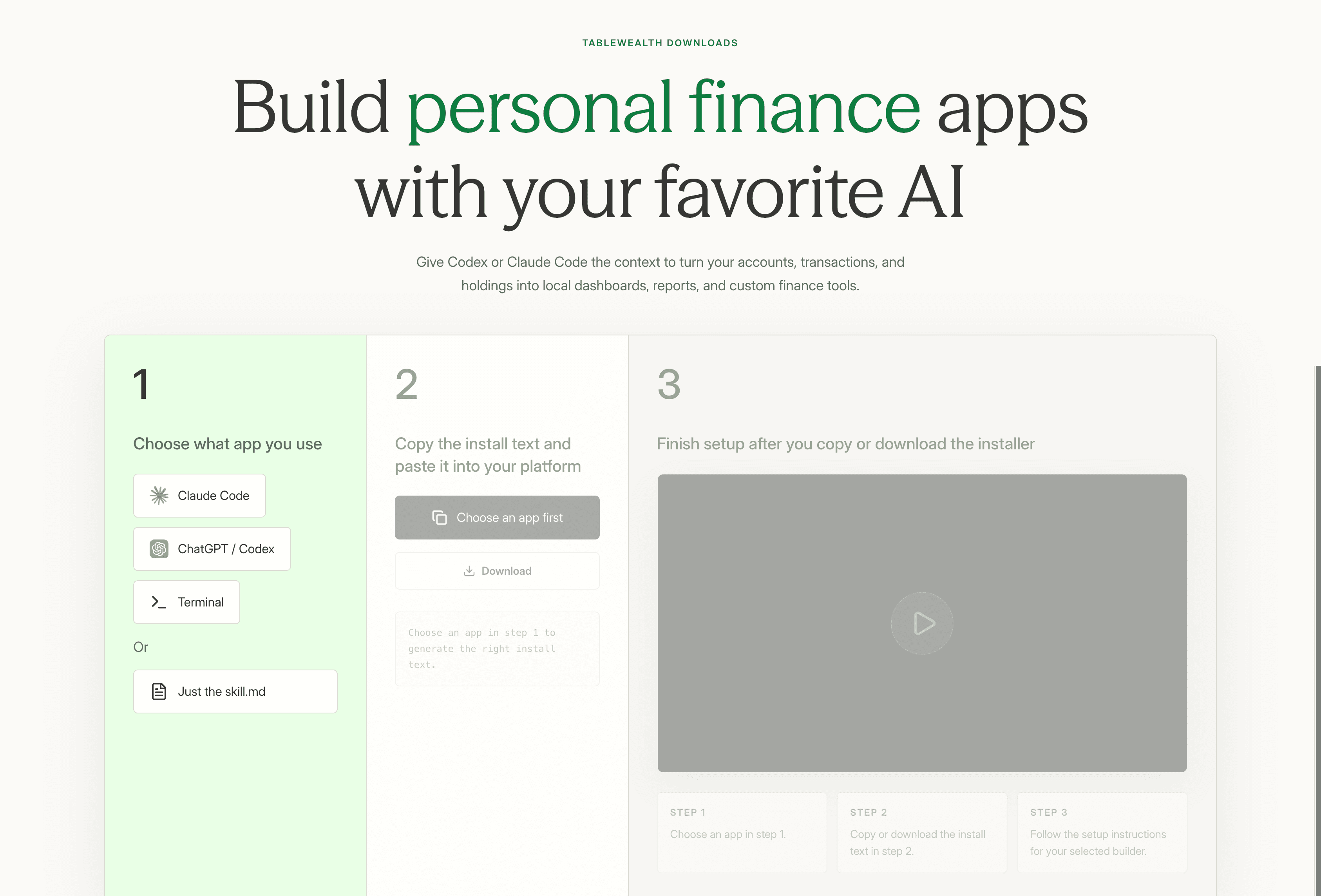
Use docs for direct API access, MCP for assistants, or Codex and Claude Code setup flows for agent-built apps.
Generate dashboards, memos, reviews, transaction explorers, and planning tools without pasting raw exports into chat.
What you can do
Let an assistant fetch bounded records for cash flow, holdings, transactions, allocation, or net worth without broad account control.
Use Codex, Claude Code, or your own scripts to build focused interfaces around live financial data.
Turn current balances, transactions, holdings, and data freshness into a weekly or monthly planning note.
Try Tablewealth
Connect your accounts once, then use the same financial workspace in the native app, live spreadsheets, installed apps, APIs, or AI-assisted tools.
Related workflows
FAQ
MCP tools can read approved workspace context such as organizations, data freshness, accounts, balances, holdings, allocation, net worth, cash flow, spending, transactions, and investment performance.
No. Tablewealth MCP is designed as a read-only assistant connection. It cannot move money, trade, edit transactions, invite members, or change billing.
The API is for programmatic access from scripts and apps. MCP is for AI assistants that need approved tools during a conversation or coding workflow.